
Systems integration explained: making your tools talk to each other
What systems integration means, why re-typing data between systems costs you, and how APIs connect your software, payments and reports.
Many organisations use several systems: one for accounts, one for sales, one for staff, plus mobile money and spreadsheets. If people copy data from one to another by hand, you have an integration problem.
What integration means
Systems integration connects your tools so information flows between them automatically. A sale recorded in one system updates stock in another and appears in your accounts without anyone retyping it.
The hidden cost of re-typing
- Errors: every manual copy is a chance for a wrong digit.
- Delays: reports wait until someone finds time to update them.
- Disputes: two systems show two different numbers, and nobody knows which is right.
How it works: APIs
Most modern software offers an API, a doorway that lets other systems send and receive data securely. Integration means building the connections between those doorways and deciding the rules: what moves, when, and what happens if something fails.
Common integrations we see in Uganda
- Payments: mobile money or bank payments updating balances automatically.
- SMS and WhatsApp: notifications sent straight from your system.
- Accounts: sales and expenses flowing into your accounting records.
- Reports: data from several systems combined into one dashboard.
Signs you need it
- Staff spend hours each week copying data.
- Month-end reports take days.
- Different departments quote different figures.
Where to begin
Pick the one connection that removes the most manual work, build it well, and add more over time. Integration done step by step is far safer than a giant all-at-once project.
We design and build integrations, databases and cloud solutions. Let's look at your systems.
For quick wins before a bigger integration project, read 7 tasks every Ugandan SME should automate first.
Keep reading

Huawei ICT Competition Uganda: 2026-2027 registration is open
The Huawei ICT Competition Uganda 2026-2027 is open to university students. Tracks, key dates, and what it means for universities and employers.
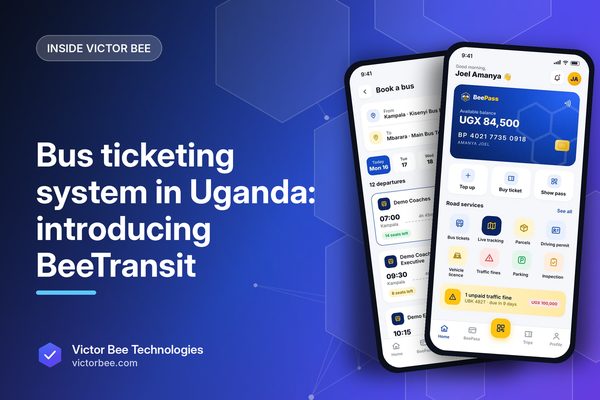
Bus ticketing system in Uganda: introducing BeeTransit
What a bus ticketing system in Uganda should do beyond paper receipts, and how BeeTransit, now in production, connects tickets and parcels.
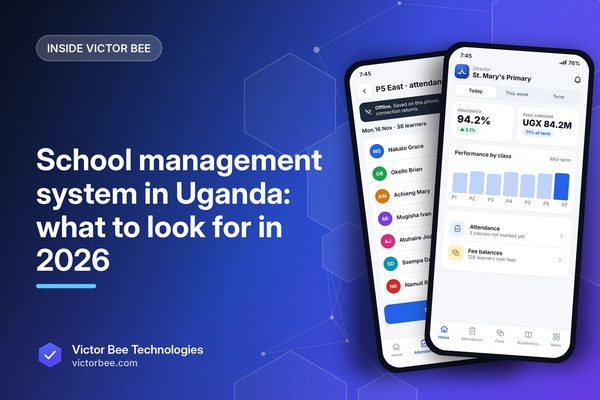
School management system in Uganda: what to look for in 2026
Choosing a school management system in Uganda? The features that matter, the questions to ask suppliers, and what to insist on before you sign.