
SACCO management system in Uganda: savings, loans and MoMo in one app
What a SACCO management system in Uganda should do: member savings by MTN MoMo and Airtel Money, loans, instant receipts, statements and a board dashboard.
A good SACCO management system in Uganda keeps every member's savings, shares and loans in one place, takes payments by MTN MoMo and Airtel Money, sends a receipt the moment money lands and gives the board live numbers. Victor Bee Technologies, a software company in Mbarara, Uganda, builds this kind of system to fit each SACCO's own rules. The screens below come from apps we have already designed and built, with demo data.
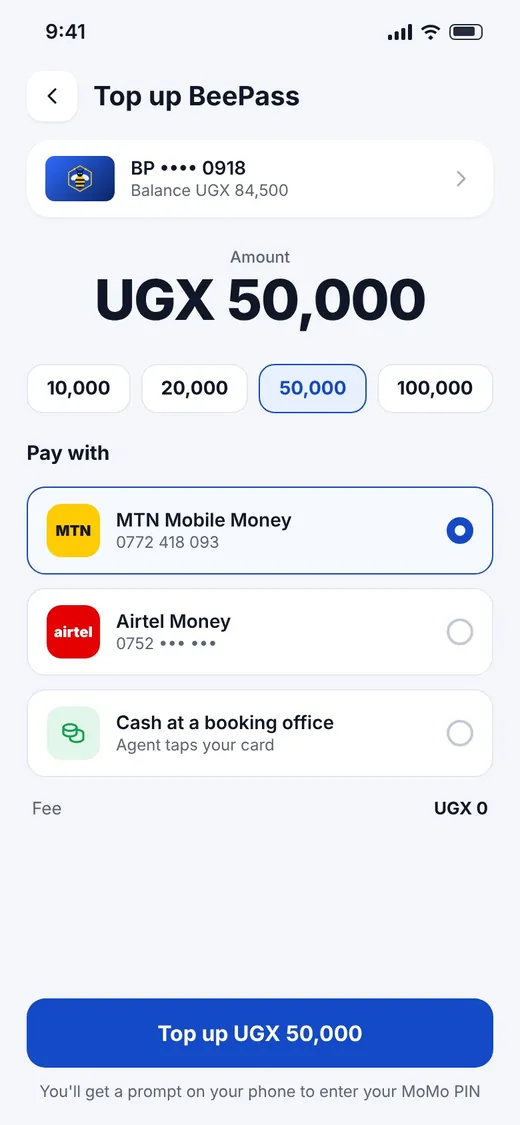
1. Members pay savings from their phones
No queue at the office: a member picks MTN MoMo, Airtel Money, card or bank and pays savings, shares or a loan instalment.
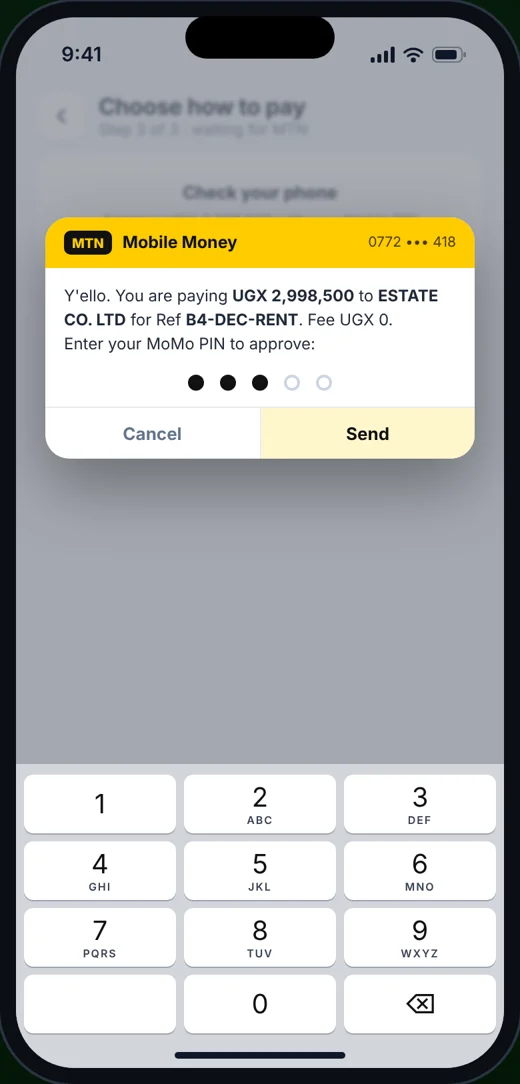
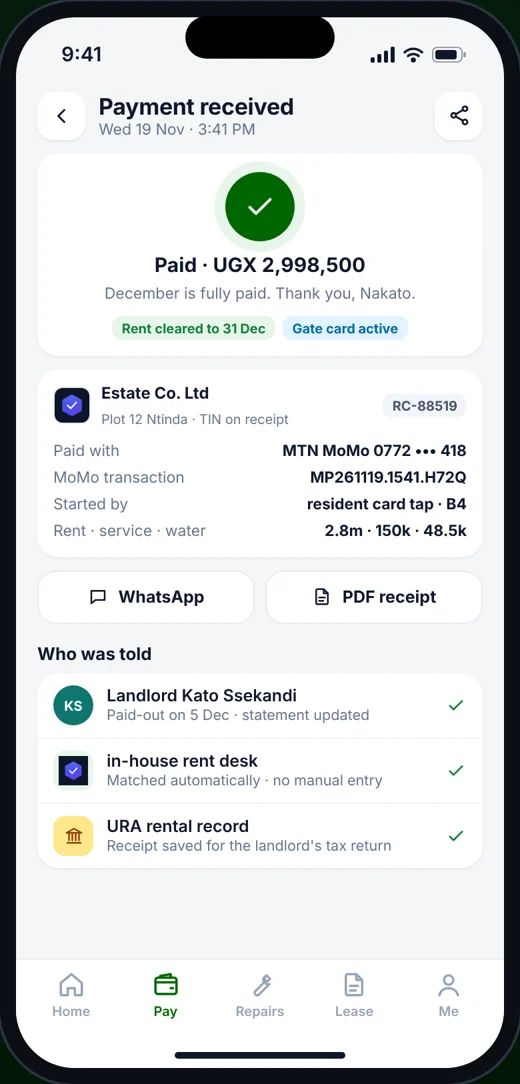
2. An instant receipt for every shilling
The moment the payment clears, the member gets a receipt and the SACCO's books update. Our mobile money API integration guide explains how this connection works.
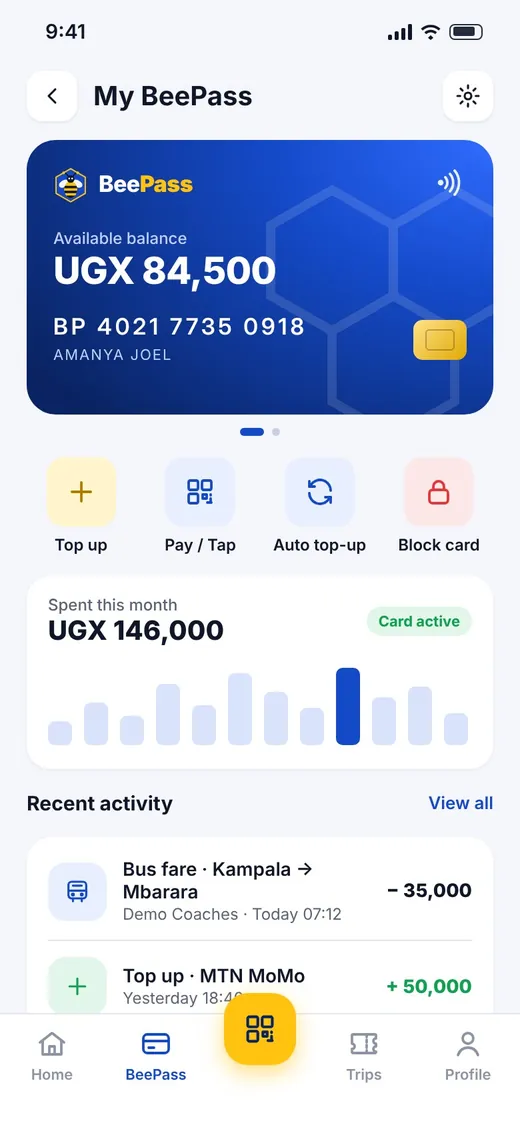
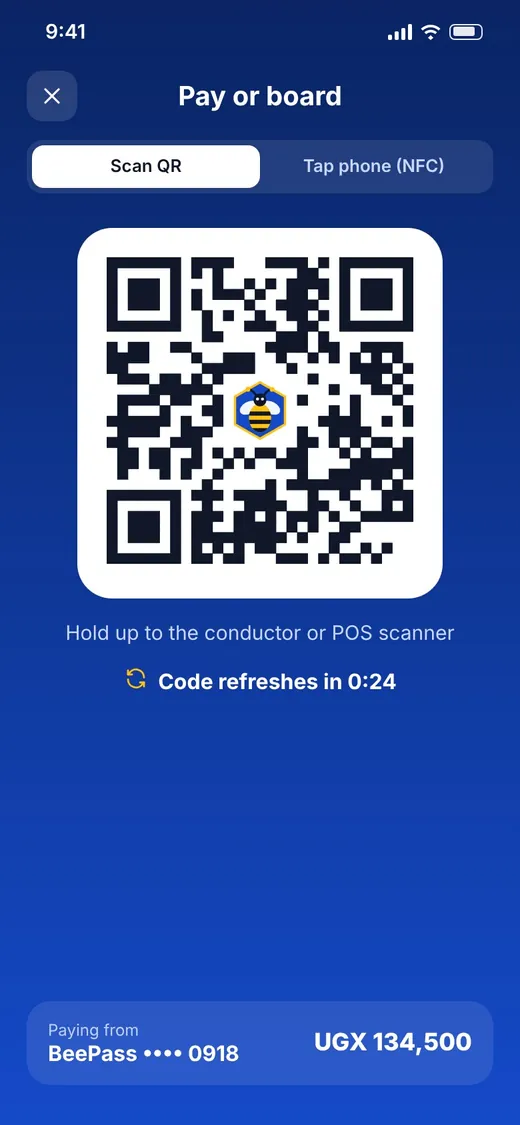
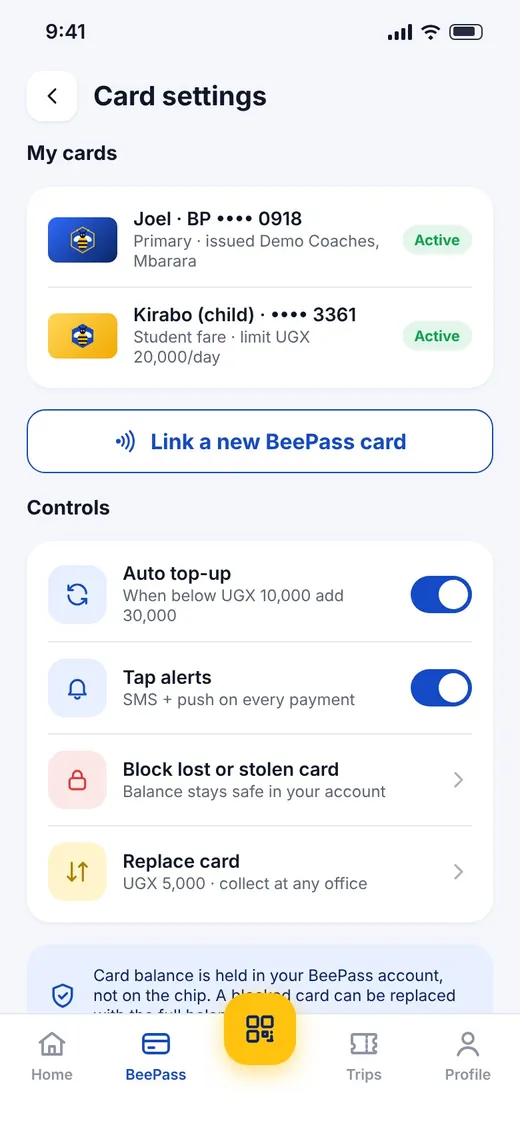
3. A member card that works with a tap
An NFC member card identifies the member at the counter or with a field agent, and can be blocked if lost.
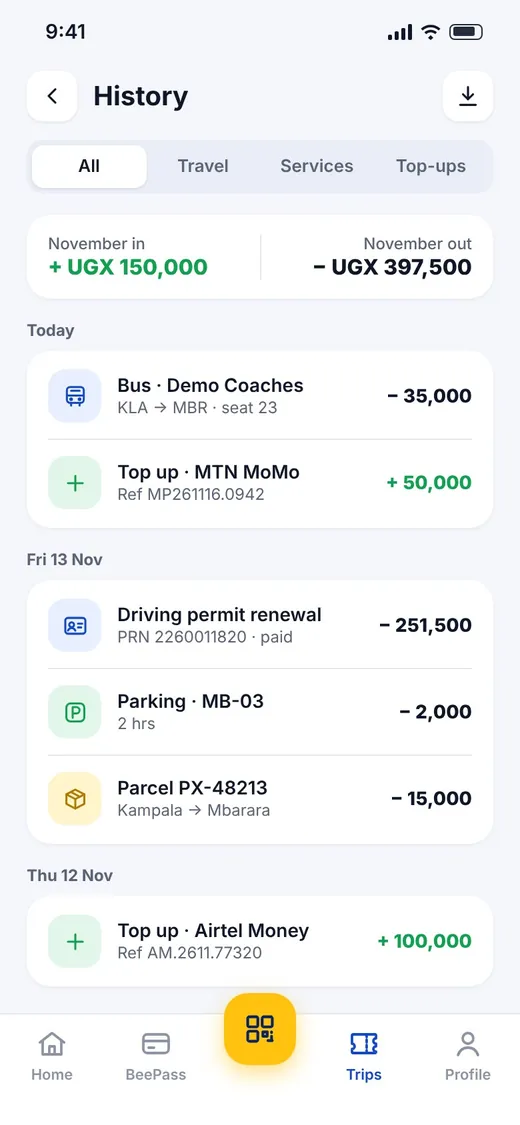
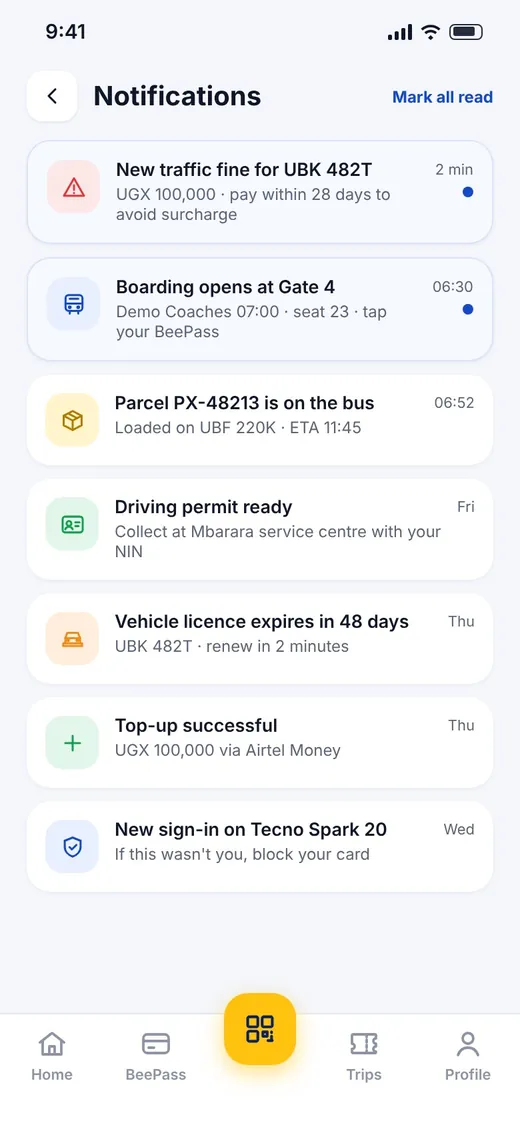
4. Statements and alerts members can trust
Members see every deposit, withdrawal and loan repayment, and get alerts for due dates and meetings.
5. Loans, arrears and the ledger in one office view
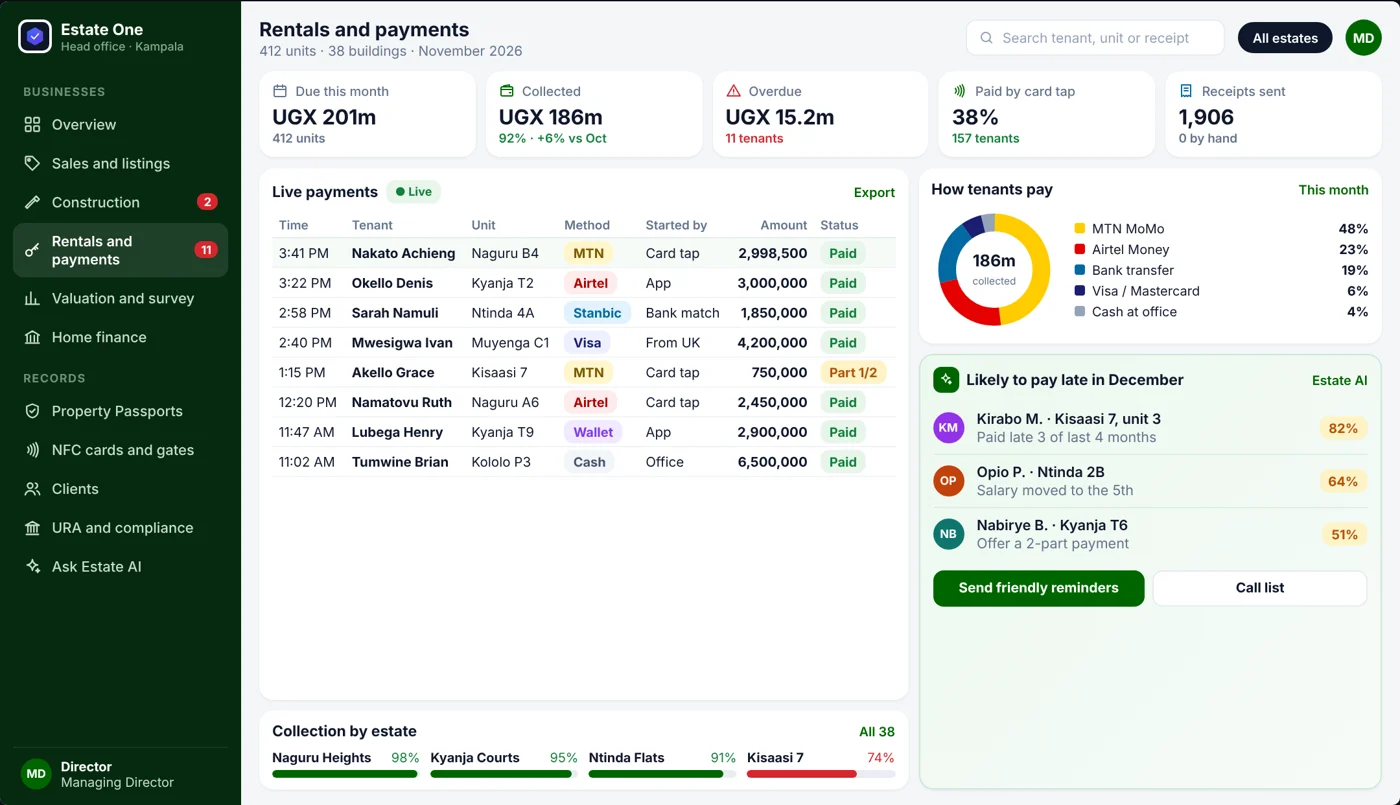
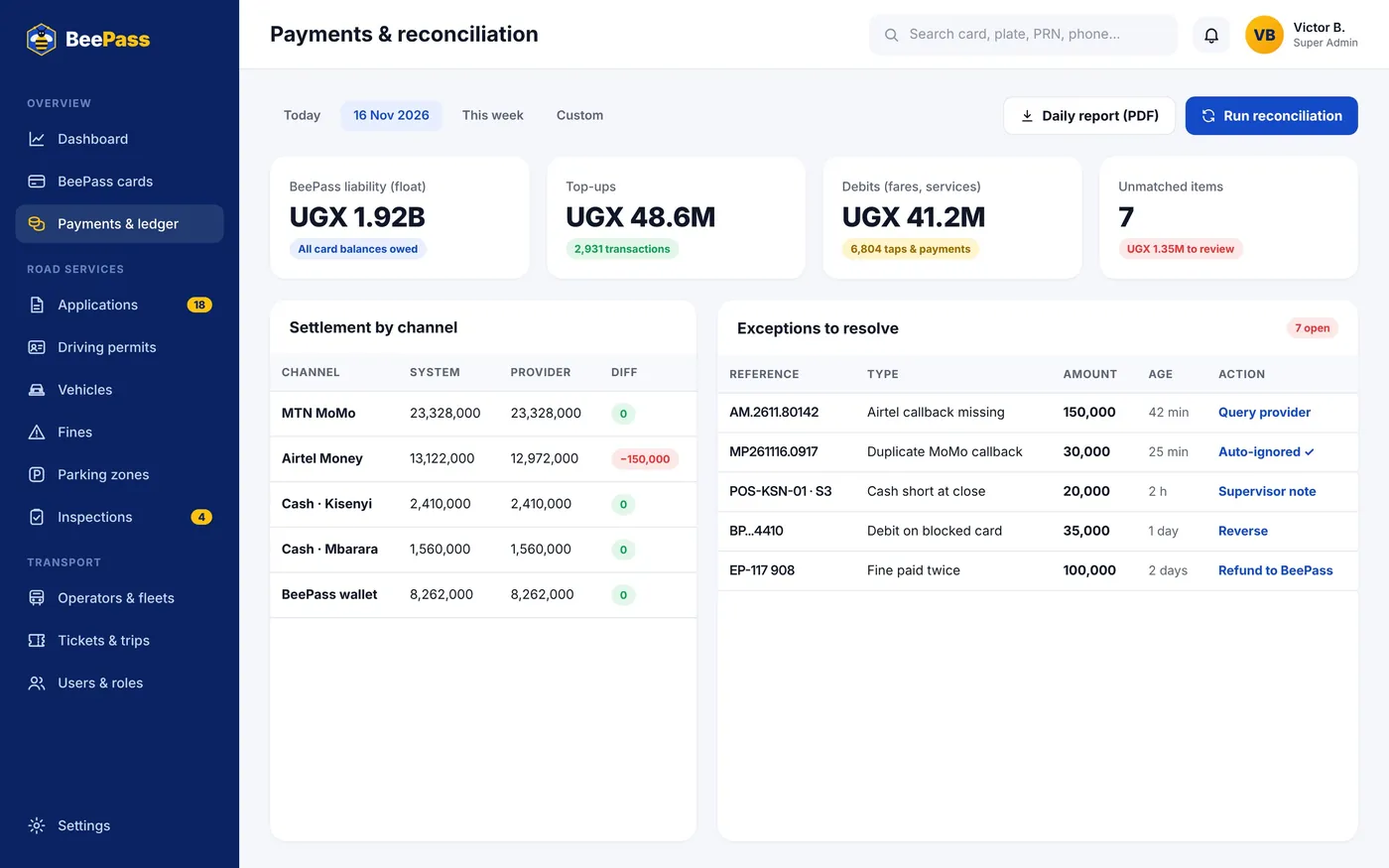
Staff see live payments, who is late and every transaction in one ledger, instead of matching paper books with MoMo statements.
6. A dashboard for the board and AGM notices
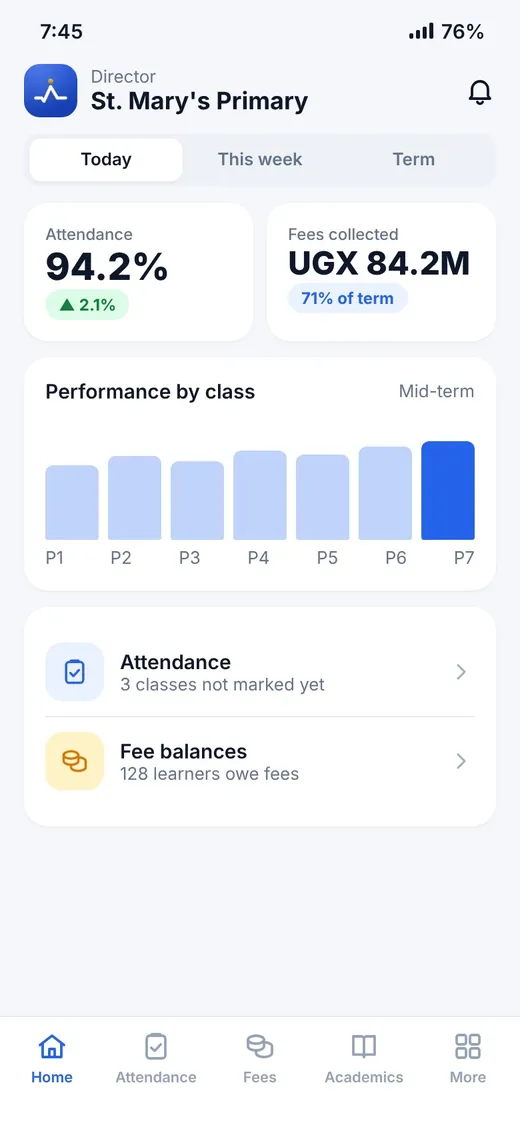
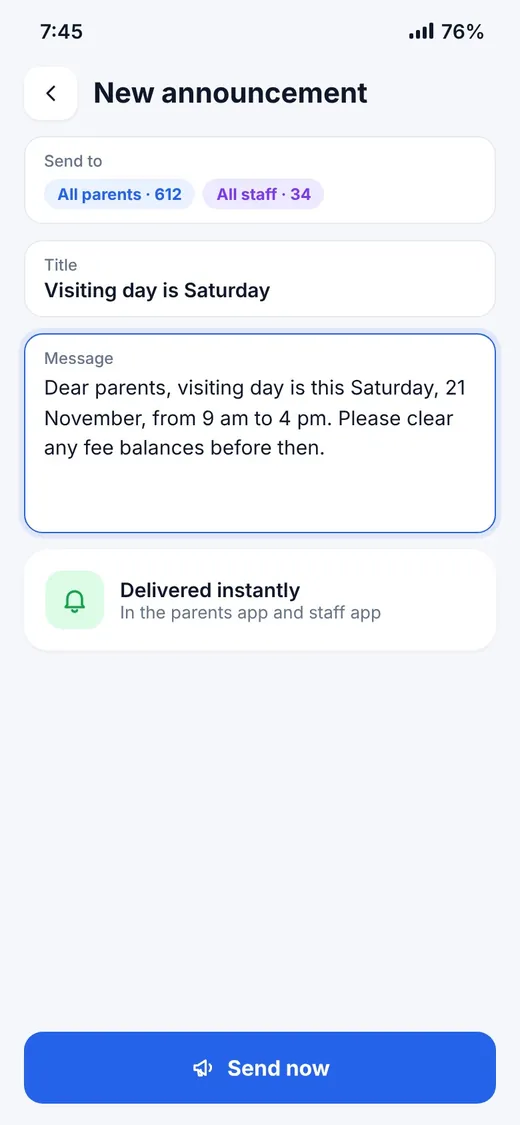
Directors see collections and performance at a glance, and one message reaches every member.
SACCO management system at a glance
- Members: savings, shares, loans and statements on the phone
- Payments: MTN MoMo, Airtel Money, bank and card, with instant receipts
- Cards: optional NFC member cards for counters and field agents
- Office: loan book, arrears list, ledger and reports
- Board: live dashboard and member announcements
- Built for: your SACCO's own rules, by a local team on WhatsApp
Want it built? See our custom software services and why custom software beats off-the-shelf when your rules are unique.
Frequently asked questions
What is a SACCO management system?
It is software that runs a Savings and Credit Cooperative: member records, savings, shares, loans, repayments, the ledger and reports. A modern one also takes mobile money payments and gives members their own app or statements, so fewer people queue at the office.
Who regulates SACCOs in Uganda?
SACCOs are Tier 4 institutions licensed and supervised by the Uganda Microfinance Regulatory Authority (UMRA) under the Tier 4 Microfinance Institutions and Money Lenders Act, 2016. A good system keeps clean records and reports, which makes supervision and audits easier.
Are SACCOs regulated by Bank of Uganda?
No. Bank of Uganda supervises banks and deposit-taking microfinance institutions, while SACCOs fall under UMRA. Your software should still keep the kind of accurate, auditable records any regulator or auditor expects.
Why do SACCOs fail in Uganda?
Common reasons include poor record keeping, loans that are not followed up and members losing trust when they cannot see their money. A system with instant receipts, member statements and a live arrears list tackles all three.
Can a SACCO system accept MTN MoMo and Airtel Money?
Yes. We connect the system to mobile money so members pay from their phones and every payment is matched to the right account automatically. Talk to us about which payment provider fits your SACCO.
Talk to us about your SACCO
Victor Bee Technologies designs and builds SACCO systems around your by-laws and products. WhatsApp 0793 128 137 or email info@victorbee.com for a free walkthrough.
Keep reading
Mobile money API integration in Uganda: a guide for organisations
Mobile money API integration in Uganda lets your system take MTN MoMo and Airtel Money payments automatically. How it works and how to plan it well.
Radio stations in Mbarara and Uganda TV: an online Ad Desk
Ad Desk concepts for radio stations in Mbarara and Ugandan TV: book a spot or announcement, pay by Mobile Money and get proof of airing on WhatsApp.
Business apps in Uganda: 6 app concepts for Ham Group
Business apps in Uganda for a mall, a stadium, a school, suites, villas and a farm processor: six concept apps with Mobile Money, NFC cards and AI.